
Checklist for Perfecting Technical SEO
Technical SEO ensures that search engines can crawl, index, and rank your website efficiently. It focuses on website performance, structure, mobile usability, and overall user experience and it is a significant factor for Advanced Technical Seo Checklist. By following a structured checklist, businesses can improve rankings, enhance visibility, and create a seamless browsing experience for visitors.
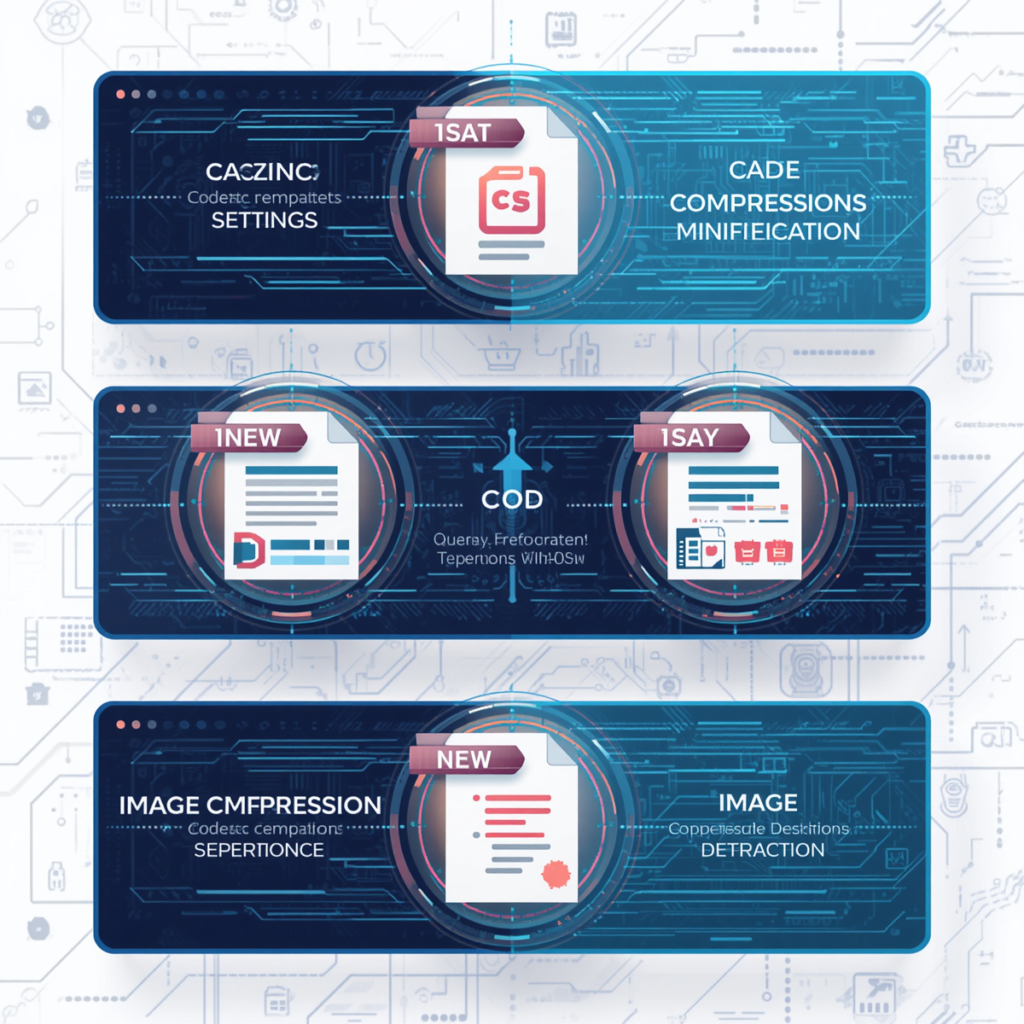
Website Speed: Activate Cache Setting, Minify Coding, Compress the Image
Website speed is a critical ranking factor and affects user experience. Slow-loading sites increase bounce rates and reduce conversions. By enabling caching, compressing images, and minifying CSS/JS, you reduce server load and page load time, ensuring faster performance for users on both desktop and mobile.
How to Do

Enable Browser & Server Caching for Faster Loading
Enabling caching stores frequently accessed resources locally on the user’s browser. This reduces server requests, speeds up page loading, and improves repeat visitor experience.

Compress Images Without Losing Quality & Minify CSS/JS
Compressing images and minifying code reduces file sizes, which lowers loading times without sacrificing quality. Use tools like TinyPNG or plugins for automated compression.
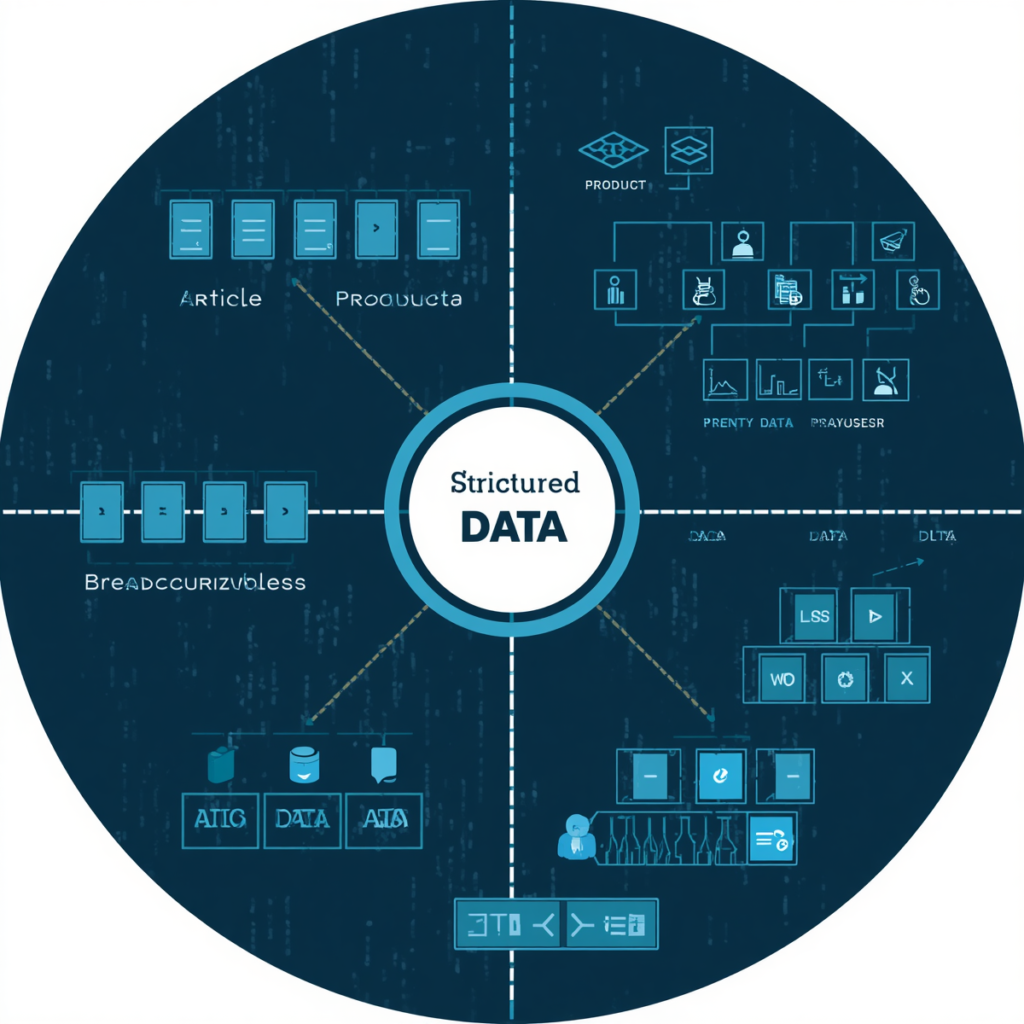
Optimize the Proper Structure Data
Structured data helps search engines understand your content context and display rich results, enhancing visibility on SERPs. Implementing schema markup for products, articles, and events ensures better indexing. Validating structured data avoids errors that can affect search engine interpretation and ranking of your web pages.
How to Do
Add Schema Markup for Rich Snippets
Use JSON-LD format to implement structured data for articles, products, reviews, etc. This improves search engine understanding and may generate rich snippets.
Validate Structured Data Using Google’s Rich Results Test
Test your structured data using Google’s Rich Results Test to ensure it is error-free and optimized for search engine results.
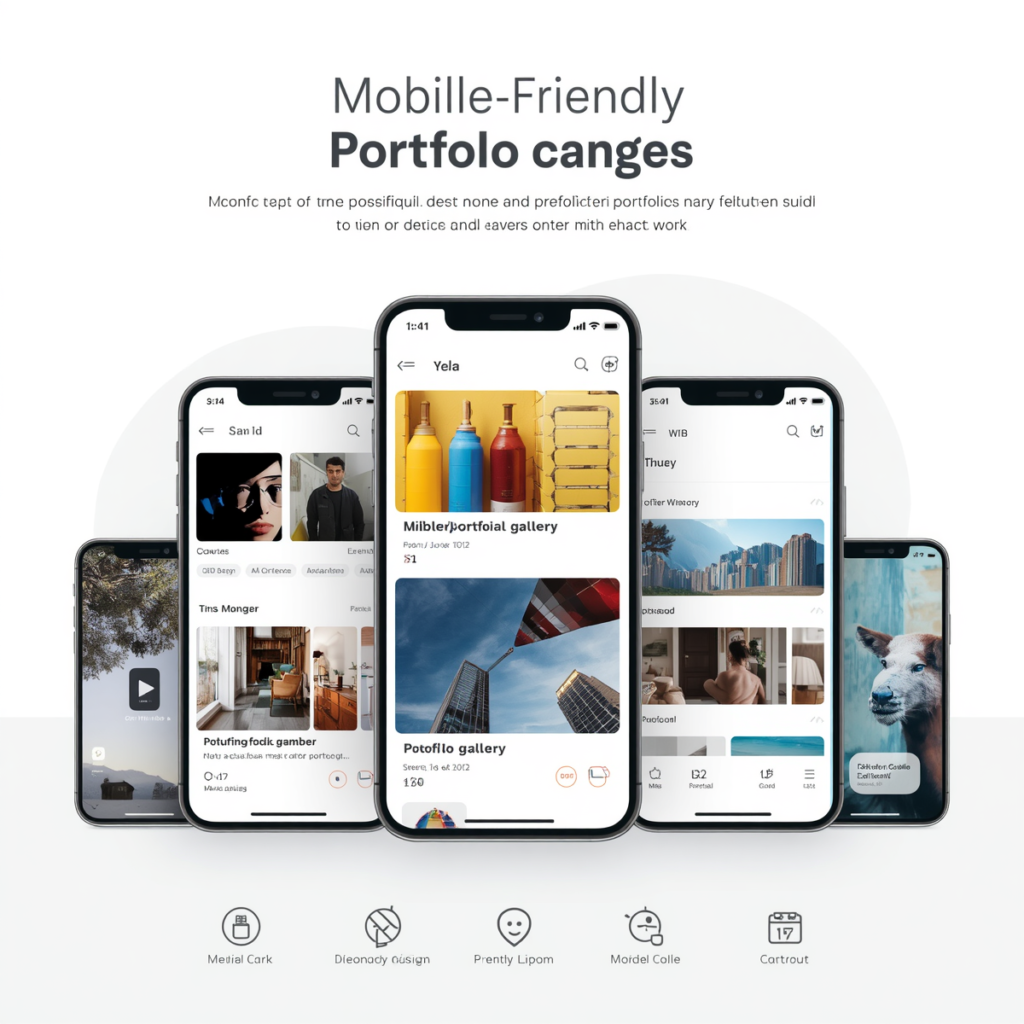
Portfolio Pages Should Be Mobile-Friendly
Mobile usability is vital for SEO due to Google’s mobile-first indexing. A responsive design ensures pages adapt to all devices, improving user experience and rankings. Testing mobile-friendliness helps identify UI issues, such as unreadable text, small buttons, or broken layouts, which can negatively impact engagement and SEO performance.
How to Do
Use Responsive Design to Fit All Screen Sizes
Implement flexible layouts and scalable images that adapt to different devices, ensuring content is accessible on mobile phones and tablets.
Test Mobile Usability Using Google’s Mobile-Friendly Tool
Use Google’s Mobile-Friendly Test to check readability, button size, and viewport settings to improve mobile performance and indexing.
Improve Crawlability and Indexability
Crawlability ensures search engines can discover and navigate your site efficiently, while indexability ensures pages are correctly stored in search results. Optimizing XML sitemaps, robots.txt, and internal linking ensures search engines prioritize the right content and improves overall visibility and ranking potential for your website.

How to Do
Create XML Sitemap and Submit to Google Search Console
Generate an XML sitemap listing all important pages and submit it via Google Search Console to guide crawlers efficiently.
Optimize Robots.txt and Internal Linking for Better Crawling
Use robots.txt to restrict low-value pages from crawling and structure internal links so important pages are easily reachable, maximizing crawl efficiency.
Core Web Vitals
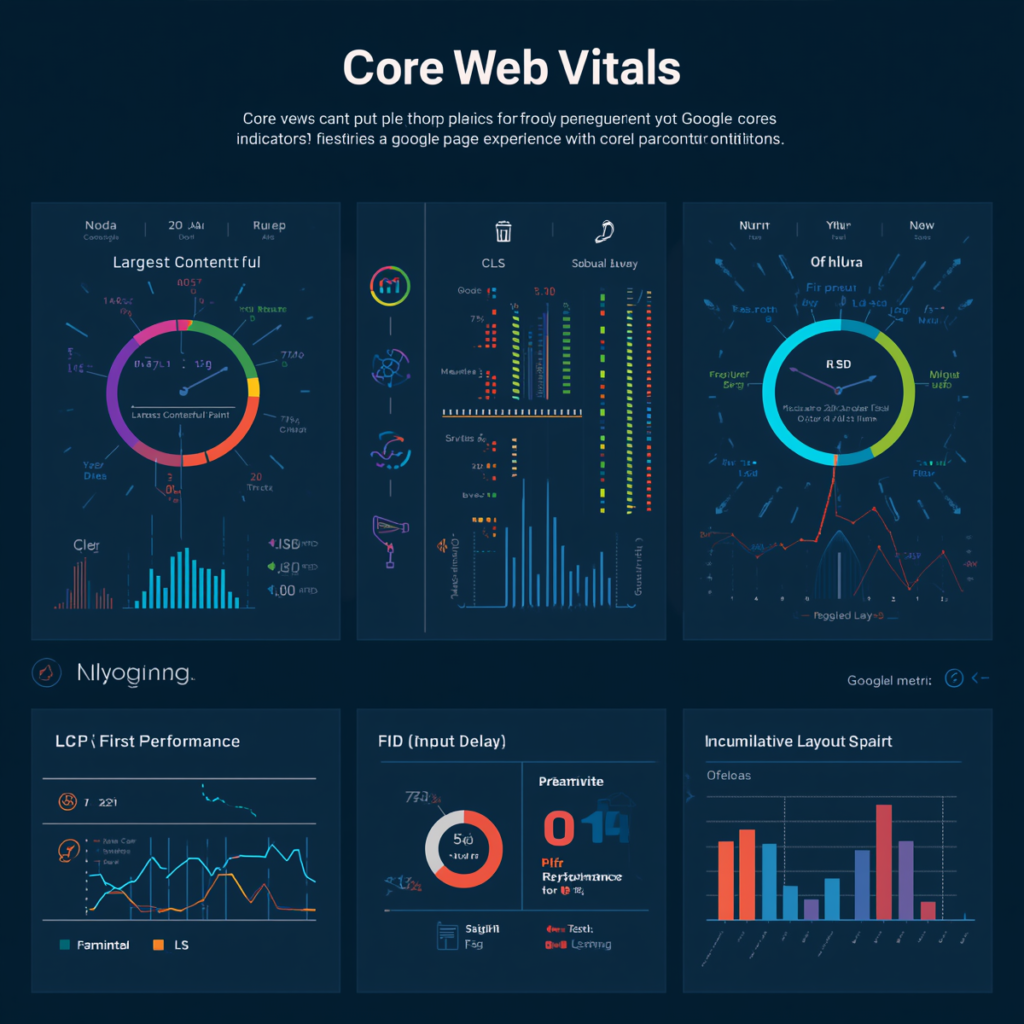
Core Web Vitals are a set of metrics defined by Google to measure real-world user experience, focusing on loading performance, interactivity, and visual stability. These signals are part of page experience and directly influence search rankings.
Recommended Scores:
- LCP: ≤ 2.5 seconds
- INP: ≤ 200 milliseconds
- CLS: ≤ 0.1
👉 Source
LCP – Largest Contentful Paint
Largest Contentful Paint (LCP) measures how quickly the largest visible element loads on a webpage. This element can be a hero image or a large text block (heading/paragraph). For a good user experience, LCP should occur within 2.5 seconds. Source
Ways To Improve LCP (Image Optimization) – Time to First Byte (TTFB)

Enable Caching
Caching stores static versions of your pages, reducing server processing time. This helps deliver content faster and improves TTFB significantly.
How To Do
- Install a caching plugin like WP Rocket or LiteSpeed Cache.
- Open the plugin settings in WordPress.
- Turn on page caching and browser caching
- Save the settings and clear the website cache.

Fast Database
A well-optimized database reduces query time. Use indexing and remove unnecessary data to improve server response speed.
How To Do
- Install a database optimization plugin like WP-Optimize
- Open the plugin dashboard in WordPress
- Remove spam comments, revisions, and unused data
- Run the database optimization process regularly

Use CDN
A CDN (Content Delivery Network) serves content from the nearest server location, reducing latency and improving loading speed globally.
How To Do
- Create an account on Cloudflare or another CDN provider
- Connect your website domain to the CDN service
- Update your domain nameservers if required
- Enable CDN and clear the website cache for faster delivery
Ways To Improve LCP (Image Optimization) – Resource Load Delay
Avoid Lazy Loading for Above-the-Fold
Lazy loading delays critical content. Avoid using it for visible (above-the-fold) images.
How To Do
- Open the page where the main banner or top image is added
- Check the image settings or optimization plugin
- Disable lazy loading for images visible at the top of the page
- Save the changes and test the page speed again
Use HTML Image Tags
Always use <img> tags instead of CSS/JS background images for important visuals, as browsers prioritize HTML images.
How To Do
- Add images using proper HTML
<img>tags instead of background images when possible - Include image width and height attributes in the code
- Use optimized image formats like WebP or JPEG
- Check that images load correctly on mobile and desktop devices
Use Preload for Priority
<link rel=”preload” as=”image” href=”image.jpg”>
Preloading ensures critical images load faster.
How To Do
- Identify the main image that loads first on the page
- Add a preload tag for that image in the website header
- Use the correct image URL and file type in the preload code
- Test the website to confirm the image loads faster
Ways To Improve LCP (Image Optimization) – Resource Load Duration & Element Render Delay
Reduce Image Size
Compress images to reduce file size without affecting quality, improving load speed
How To Do
- Compress large images before uploading them to the website
- Use image optimization tools like TinyPNG or ShortPixel
- Resize images according to the website layout
- Replace oversized images with lighter versions for faster loading
Use Modern Formats
Use WebP or AVIF instead of PNG/JPG for better compression and faster performance.
How To Do
- Convert old image formats like PNG or JPEG into WebP format
- Use image optimization plugins that support modern formats
- Upload optimized images to WordPress or your website builder
- Check image quality and loading speed after conversion
Build a Simple Structure
Use clean HTML and reduce heavy JavaScript/CSS to allow faster rendering.
How To Do
- Keep the webpage layout clean and easy to load
- Avoid adding too many large sections or heavy elements above the fold
- Reduce unnecessary animations and scripts on the page
- Organize content with simple headings, images, and spacing for faster rendering
Ways To Improve LCP (Text Optimization)
Use System Fonts
System fonts load instantly because they are already installed on user devices.
How To Do
- Choose default system fonts like Arial, Helvetica, or sans-serif
- Apply system fonts in the website theme or CSS settings
- Avoid using too many custom font families on one page
- Test the website to ensure text loads quickly on all devices
Preload Custom Fonts
This ensures fonts load with high priority.
How To Do
- Identify the main custom fonts used on the website
- Add preload tags for important font files in the website header
- Use optimized font formats like WOFF2 for better performance
- Clear cache and test page speed after adding preload settings
Use font-display: swap
This shows fallback text first and replaces it later with the custom font, improving perceived speed.
How To Do
- Open the website font CSS file or theme settings
- Add
font-display: swapto the custom font code - Save the changes and refresh the website
- Check that text appears immediately while custom fonts continue loading
CLS – Cumulative Layout Shift
Cumulative Layout Shift (CLS) measures how stable your page layout is during loading. Unexpected shifts (images, ads, fonts) create a poor user experience. A good CLS score should be below 0.1.
Source
Ways To Fix CLS
Set Image Dimensions and Stable Fonts
Always define width and height to prevent layout shifts , Use system fonts or optimized loading to prevent layout jumps.
How To Do
- Add fixed width and height fZor all website images
- Use properly optimized fonts that load quickly
- Test the page to ensure content does not shift while loading
Reserve Space for Dynamic Content
Set minimum height for dynamic elements like API data
How To Do
- Leave proper space for popups, banners, or dynamic sections
- Use fixed containers for sliders and embedded content
- Avoid inserting content above existing page elements while loading
- Check the page on mobile and desktop for layout stability
Reserve Space for Ads
Define fixed ad space to avoid sudden shifts.
How To Do
- Add predefined containers for advertisement sections
- Set fixed width and height for ad placements
- Avoid loading ads that suddenly push content down the page
- Test ad sections to make sure the layout remains stable
INP – Interaction to Next Paint
Interaction to Next Paint (INP) measures how quickly a page responds to user interactions like clicks or typing. A good INP score is under 200 milliseconds.
Source
Ways To Improve INP
Reduce Input Delay
Avoid heavy JavaScript blocking the main thread to ensure quick response.
How To Do
- Remove unnecessary plugins and heavy scripts from the website
- Reduce large JavaScript files that slow down user interactions.
- Keep the website lightweight for faster response time.
- Test button clicks and forms to ensure quick interaction.
Optimize Processing
Break long tasks into smaller chunks to improve responsiveness.
How To Do
- Minify CSS and JavaScript files using optimization plugins
- Enable caching to reduce server processing time
- Optimize background tasks and database queries
- Use faster hosting or CDN services for better performance
Reduce Presentation Delay
Minimize layout recalculations and rendering delays for faster visual updates.
How To Do
- Optimize images and videos to load faster on the page
- Avoid heavy animations and unnecessary visual effects
- Use clean and simple page layouts for smooth rendering
- Test website speed regularly to improve visual loading performance
Security and Accessibility
Security and Accessibility are no longer optional parts of Technical SEO. Modern search engines now focus heavily on user experience, website trust, and usability. A website may have strong content and keywords, but if users cannot safely access the site or navigate it easily, rankings can still suffer.
Accessibility may sound like a highly technical concept, but in reality, it’s about creating a smoother experience for every visitor. Proper heading structure, readable fonts, image ALT text, mobile responsiveness, and keyboard-friendly navigation help users interact with content more efficiently. These same elements also help Google understand website structure and content hierarchy better.
The relationship between SEO and accessibility has become stronger after Google introduced Core Web Vitals as a ranking factor. These metrics measure loading performance, visual stability, and user interaction experience. Websites that load faster and provide a better browsing experience often perform better in search results.
Website security is equally important in Technical SEO. Google officially recommends HTTPS because secure websites protect user data and improve trust signals. Sites without SSL certificates may display “Not Secure” warnings in browsers, which can negatively affect user confidence and engagement.
Today, Technical SEO is not just about search engines — it’s about creating a secure, accessible, and user-friendly experience for everyone. Businesses that optimize both security and accessibility build stronger trust, improve usability, and create a better foundation for long-term SEO growth.
Sources:
Improve Website Navigation
Website navigation is one of the most important elements of Technical SEO because it helps both users and search engines understand website structure. Google officially explains that internal links and navigation menus help search engines discover important pages and understand how content is connected across a website. Pages that are easier to reach through navigation are generally easier for Google to crawl and index properly.
Modern users expect websites to be simple, organized, and mobile-friendly. If navigation is confusing or overloaded with too many options, visitors often leave the site quickly and move to another website. A clean navigation structure improves user experience by helping visitors find relevant information faster while also supporting better engagement signals.
Features like breadcrumbs, XML sitemaps, and proper internal linking further improve website navigation. Google states that logical site structure and crawlable links help search engines understand page importance and hierarchy more efficiently. Clear navigation also increases the chances of getting sitelinks in Google Search results.
Strong website navigation is not just about design — it creates a better browsing experience, improves crawlability, and strengthens overall SEO performance.
Sources:
Google Search Central – Sitelinks Best Practices
Google Search Central – Ecommerce Website Navigation Structure