Local SEO Optimization Checklist
Local SEO Optimization Checklist helps your business appear in front of nearby customers when they search online. With the right Local SEO Optimization Checklist, your site becomes easier to find on Google, maps, and local search results. This checklist covers all the essential steps needed to improve visibility, drive local traffic, and increase leads. From optimizing your pages to strengthening local signals, every part is designed to make your business stand out in your area and attract more customers who are ready to buy.
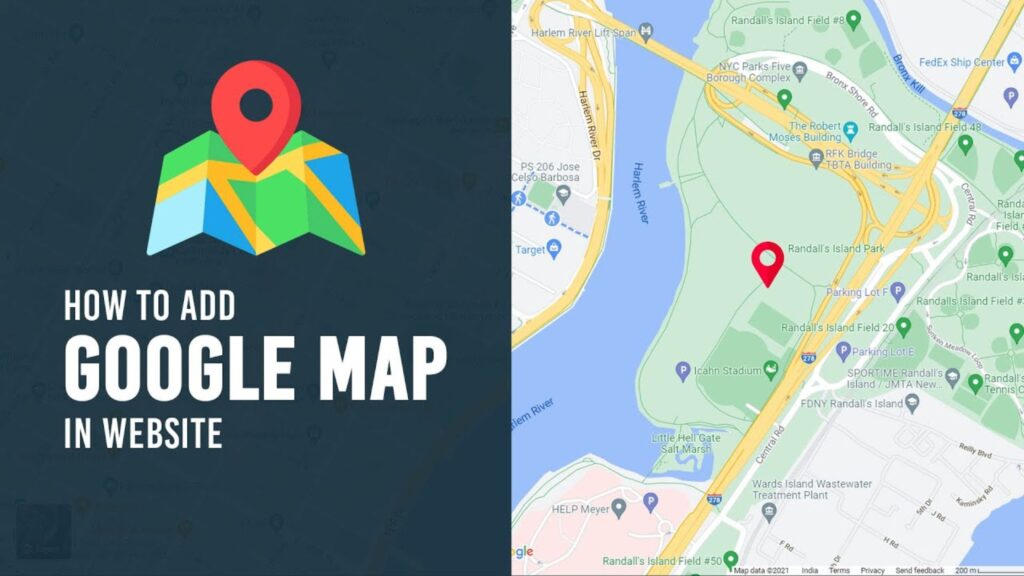
Embed Map with Proper Address on Separate Page of Website

Why it’s important
Having a separate “Contact” or “Location” page with an embedded Google Map and accurate address helps users find you easily. It also signals to Google that your business is legitimate and location-specific, which improves local SEO prominence.
Steps to Embed Google Map Correctly
Go to Google Maps, find your business location, click Share → Embed map.
Copy the HTML iframe code and paste it into your “Location” or “Contact” page.
Use a responsive container so the map adjusts on mobile devices.
Common Mistakes to Avoid While Adding Maps
This is the Using an incorrect or outdated address.
Not making the map responsive for mobile.
Embedding a map without verifying your Google Business Profile.fifth feature description.
Create Google My Business Profile
Why it’s important
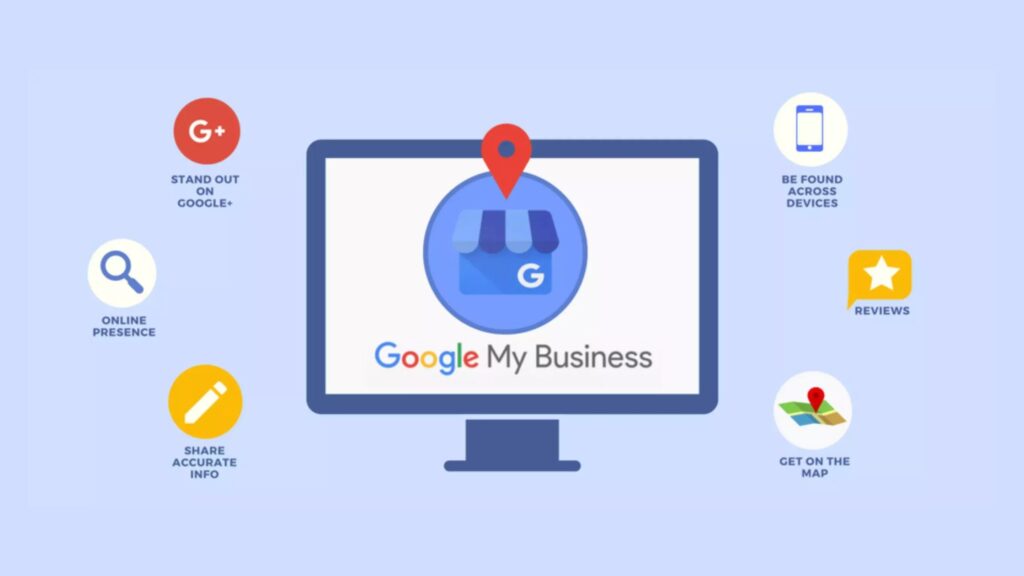
Your Google My Business (GMB) — now Google Business Profile — is the backbone of local SEO. Google gives strong weight to GBP in its local ranking system via relevance, distance, and prominence
Importance of Google My Business for Local Ranking
A fully optimized GBP listing (with correct name, address, phone, business hours and categories) helps Google match your business with relevant local searches
Focus on Local Based Keywords
Why it’s important
Local keywords (like “plumber in Lucknow” or “coffee shop near me”) help Google understand your geographic relevance. Using them in your website content, meta tags, and GBP listing improves your chances of ranking for local searches
How to Find Location-Specific Keywords
Use tools like Google Keyword Planner to identify local search terms.
Look at your competitors: which city or neighborhood keywords do they use?
Include neighborhood names, landmarks, or city plus service in your keyword list
Using Local Keywords in Pages and Blogs
Create dedicated location pages (e.g., “Services in Lucknow”).
Write blog posts about local topics, events or guides (e.g., “Top Cafes in Lucknow”).
Include your local keywords in page titles, headings, and meta descriptions
Tools to Research Local Search Terms
Google Keyword Planner — to find search volume for local phrases.
Autocomplete & “People also ask” on Google — to discover how people search locally.
Google Trends — to see which local terms are trending over time

Optimize Schema Markup and Build Local Citation
Why it’s important
Schema markup helps Google understand your business data (like address, hours, reviews) better. Local citations (business listings on directories) boost your business’s prominence, which Google uses in local ranking
Why Local Schema Markup Matters
Structured data (schema) provides search engines with explicit business information, enabling rich results like business hours and reviews. This clarity can improve click-through rates and trust
How to Implement Local Business Schema
Use JSON-LD format to add LocalBusiness schema to your site.
Include important properties: name, address, telephone, openingHours, geo, and aggregateRating.
Use Google’s Rich Results Test to validate your markup
Best Platforms to Create Local Citations
Well-known directories: Yelp, Yellow Pages, Apple Maps. localfalcon.com
Local niche directories (e.g., local chamber of commerce)
Industry-specific directories — ensure your NAP (Name, Address, Phone) is consistent everywhere