
On-Page SEO : Purpose and Function
On-Page SEO refers to the changes made directly on a client’s website — including content, headings, URLs, images, meta tags, and internal links. These elements play a key role in On-Page SEO by helping search engines better understand, index, and rank your pages. Below, we will explain each key part of On-Page SEO: what it is, how it works, and why it matters, step by step.
Keyword Research
Keyword research is the process of finding the terms people actually search for on Google. These keywords form a bridge between the searcher and the search engine (SERP). Choosing the right keywords ensures your content aligns with what your audience is looking for.
How It’s Performed
I mainly use Google Keyword Planner because it provides data straight from Google. While tools like Ahrefs or SEMrush are useful, they rely on third-party estimates. Since search intent is mostly with Google, its own keyword planner is the most reliable starting point.
Purpose
- To discover what your audience is searching for
- To attract relevant, high-value traffic
- To guide content strategy, titles, and meta tags
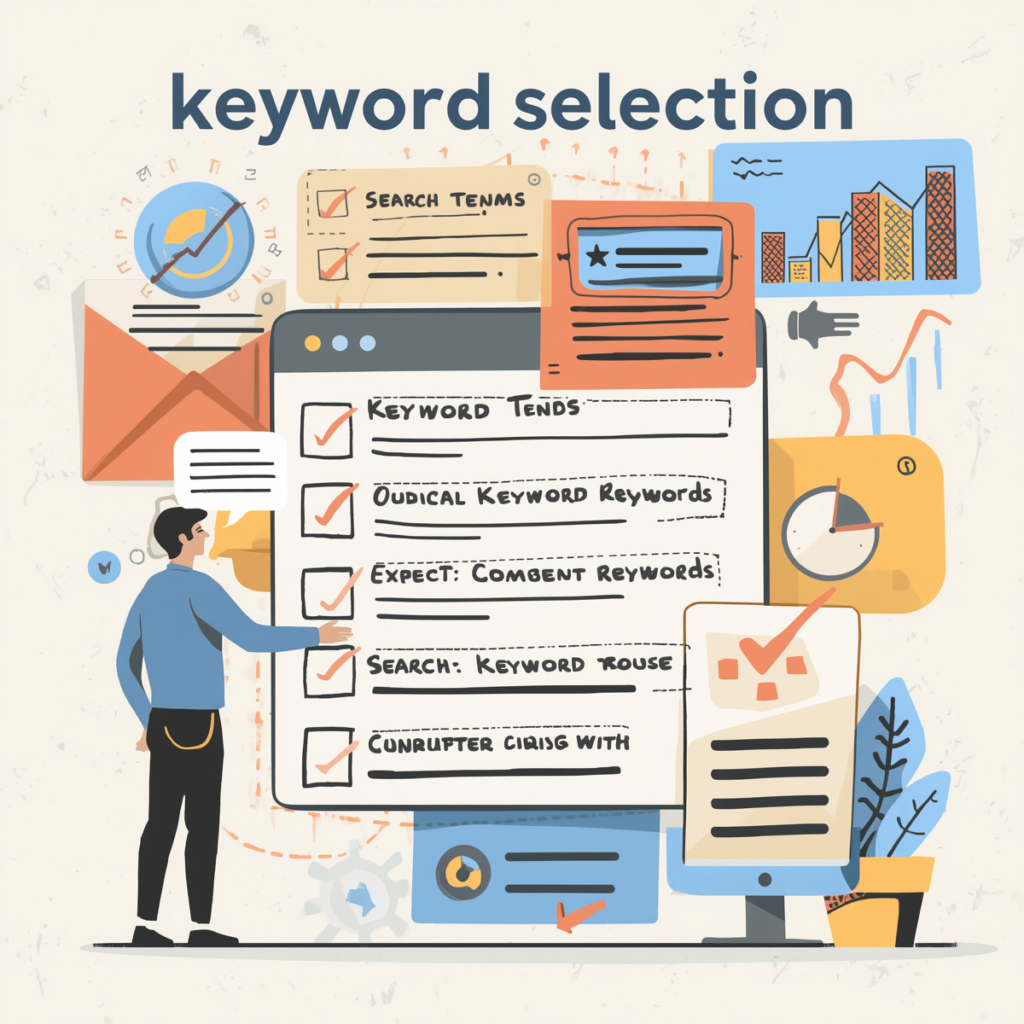
Keyword Selection
After researching, keyword selection is the step where you pick which keywords to target for each page — primary, secondary, and supporting terms.
How It’s Performed
I categorize keywords for each web page:
- Primary keywords go into titles, headings, and major content
- Secondary keywords support them in other headers
- Supporting keywords naturally fit into the body content
For example, on a blog about “on-page SEO,” a primary keyword might be “on page SEO tips,” while a secondary one might be “optimize meta description.”
Purpose
This ensures that every page is optimized for relevant search terms. It helps search engines understand the page’s focus, and makes content more likely to rank for the right search queries.
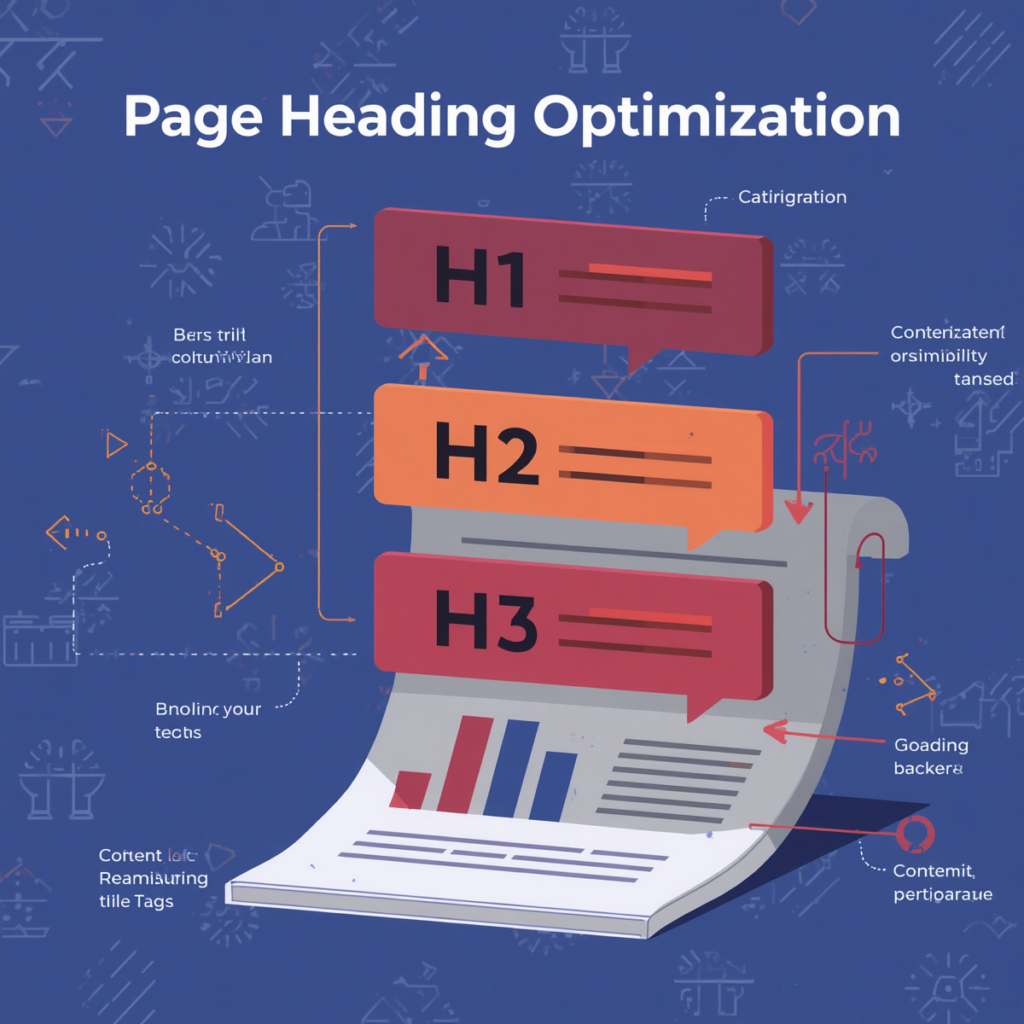
Page Heading Optimization
Page heading (H1) is the main title on your page — it clearly states the page’s purpose to both users and search engines.
How It’s Performed
SEO experts recommend:
- Include your primary keyword in the H1 (ideally near the beginning)
- Keep the heading concise (many suggest ~60–70 characters for best appearance in search) — studies show that length fits well in SERPs while conveying meaning. Search Engine Journal+1
- Make sure the heading clearly describes the page content
Purpose
A well-optimized heading:
- Signals to search engines what the page is about
- Improves user understanding and click-through
Content Optimization
This is the actual text (sentences, paragraphs) on your page that explains the topic and addresses the user’s intent.
How It’s Performed
- Write high-quality, unique content — don’t copy or spam.
- Place the primary keyword within the first 100 words.
- Use secondary keywords in subheadings (H2/H3).
- Include supporting keywords naturally throughout the body.
- Ensure keyword density is low and natural — avoid stuffing keywords.
Purpose
Optimized content helps:
- Search engines understand your page topic
- Readers find clear, relevant, and helpful information
- Rankings improve by matching content with search intent
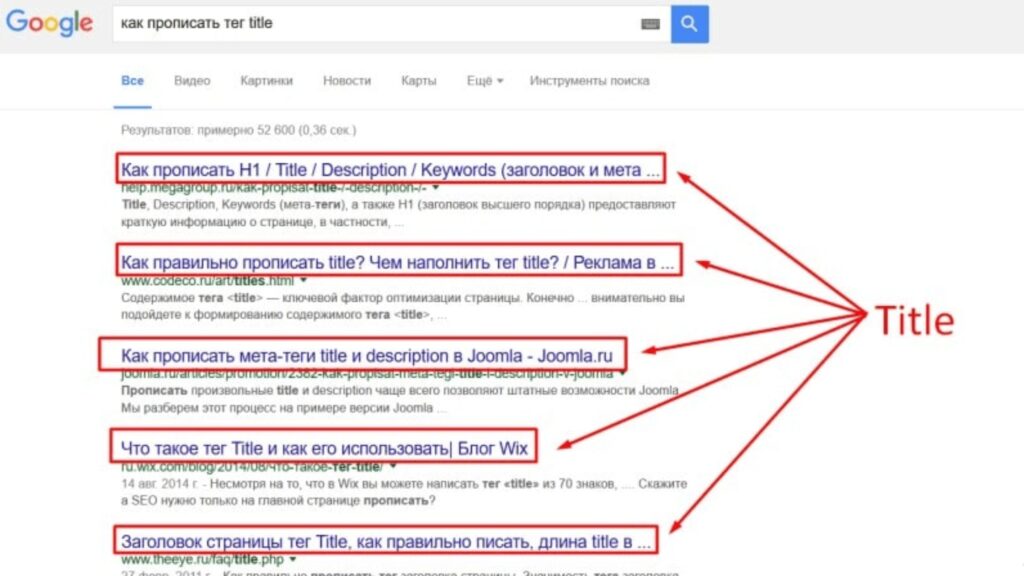
Meta Title
Meta title is what shows on the search engine results page (SERP) — it’s not necessarily your page’s H1.
How It’s Performed
1. Include your primary keyword
2. Make it descriptive and concise
3. Keep it around 60–70 characters so it displays well in SERPs Search Engine Journal+1
Purpose
It helps search engines and users understand what your page is about and encourages clicks from the SERP.
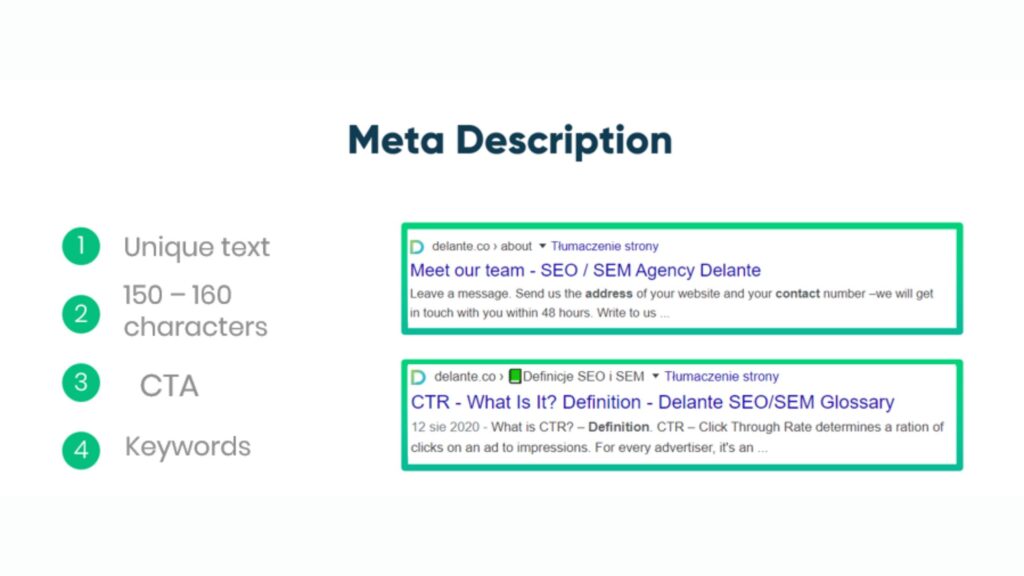
Meta Description
The meta description is a short summary (usually 140–160 characters) of the page content that appears under the title in search results.
How It’s Performed
- Write a concise description (140-160 chars) that clearly explains the page’s purpose.
- Include your primary keyword, if possible early.
- Add a call to action (CTA) to encourage users to click.
Purpose
A good meta description:
- Improves click-through rate (CTR)
- Helps search engines and users understand the page’s value quickly
- Increases the likelihood of relevant traffic
Internal & External Links
Internal links: These link from one page on your site to another.
External links: These are links from your page to a different website.
How It’s Performed
Use internal links to:
- Guide users to related content
- Help search engines crawl and index important pages Google for Developers+1
Use external links to: - Reference high-quality, relevant sources
Build content credibility and authority Yuqo+1
Purpose
External links boost credibility and show search engines that you reference reliable content.
Internal links improve site structure and distribute page authority.
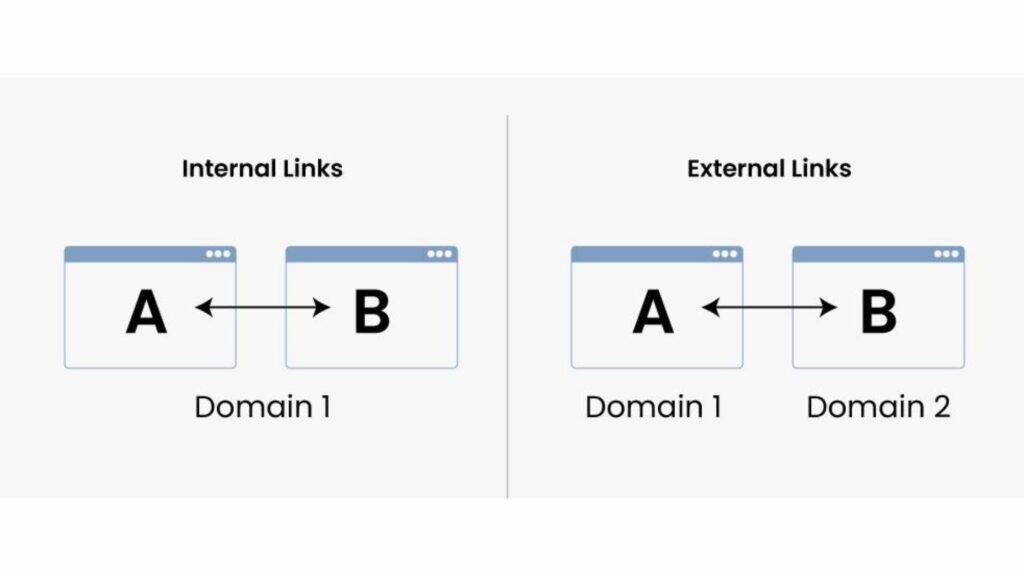
Image & Alt Text Optimization
Alt text is the description of an image; it helps search engines understand what the image is about.
How It’s Performed
- Use descriptive filenames for images (e.g., on-page-seo-checklist.jpg).
- Add alt text that naturally includes a relevant keyword, describing what the image is.
- Compress images so they don’t slow down the page.
Purpose
- Improves accessibility (for visually impaired users)
- Helps search engines index and rank images